


Embrilliance
Embrilliance Stitch Artist Level 2 Software
Embrilliance Stitch Artist Level 2 Software
SKU: BBSA210
Couldn't load pickup availability
Full-featured digitizing software for custom embroidery design creation
StitchArtist Level 2 includes all Level 1 features plus advanced tools for logos, mascots, patches, and production-ready designs.
- Full version — no prior StitchArtist purchase required
- Windows and Mac compatible; use on multiple computers
- Part of the Embrilliance Platform — works alongside other Embrilliance titles
Ships on disc. No CD drive? Contact us and we'll send you a direct download link. Activate with the serial number included in your CD case.

Embrilliance StitchArtist Level 2: Custom Embroidery Design Software
StitchArtist Level 2 is embroidery digitizing software for hobbyists and professionals creating original designs from scratch. It covers logos, team mascots, patches, custom text treatments, stock designs for resale, and in-the-hoop projects. This is a full version that includes all Level 1 and Level 2 features — no prior purchase required.
Who It's For
Level 2 is a good fit for those jumping directly into graphical design work, Level 1 users who want more stitch control, and anyone with a background in vector drawing or traditional digitizing. Bezier drawing tools and sided column input will feel familiar to users of Illustrator or classic digitizing software.
How It Works
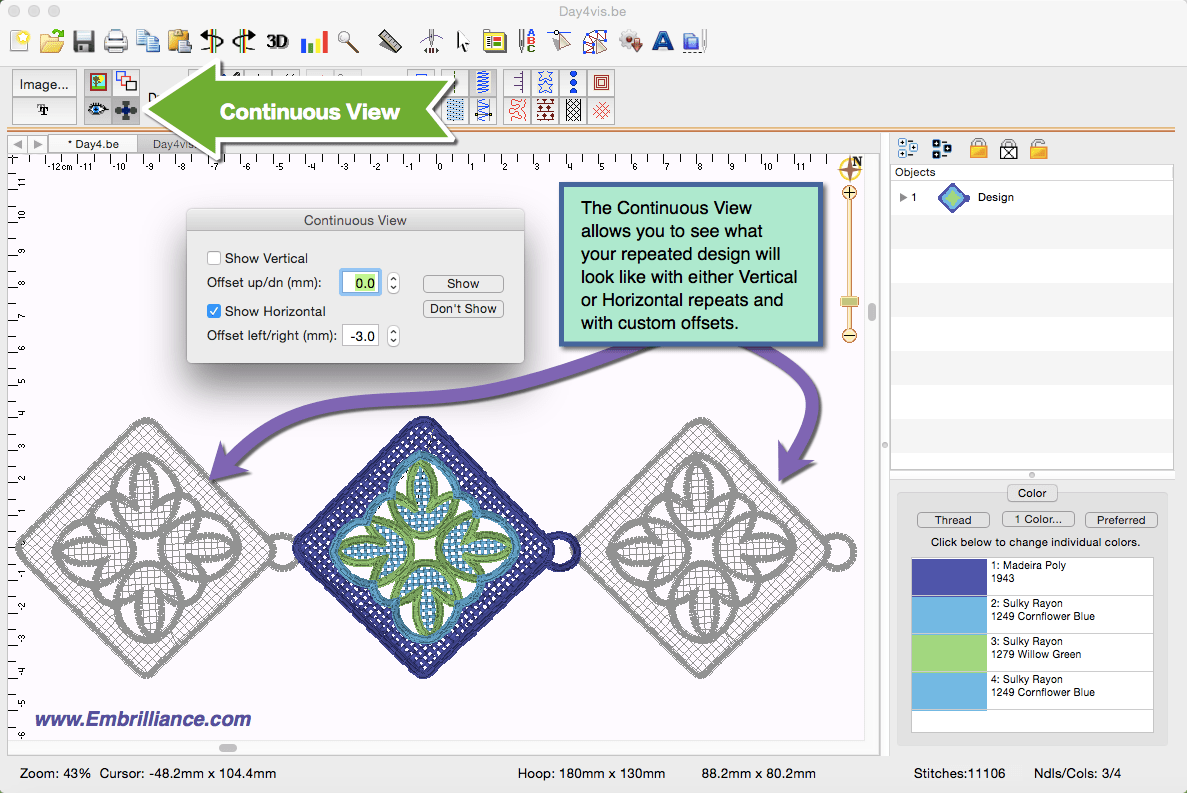
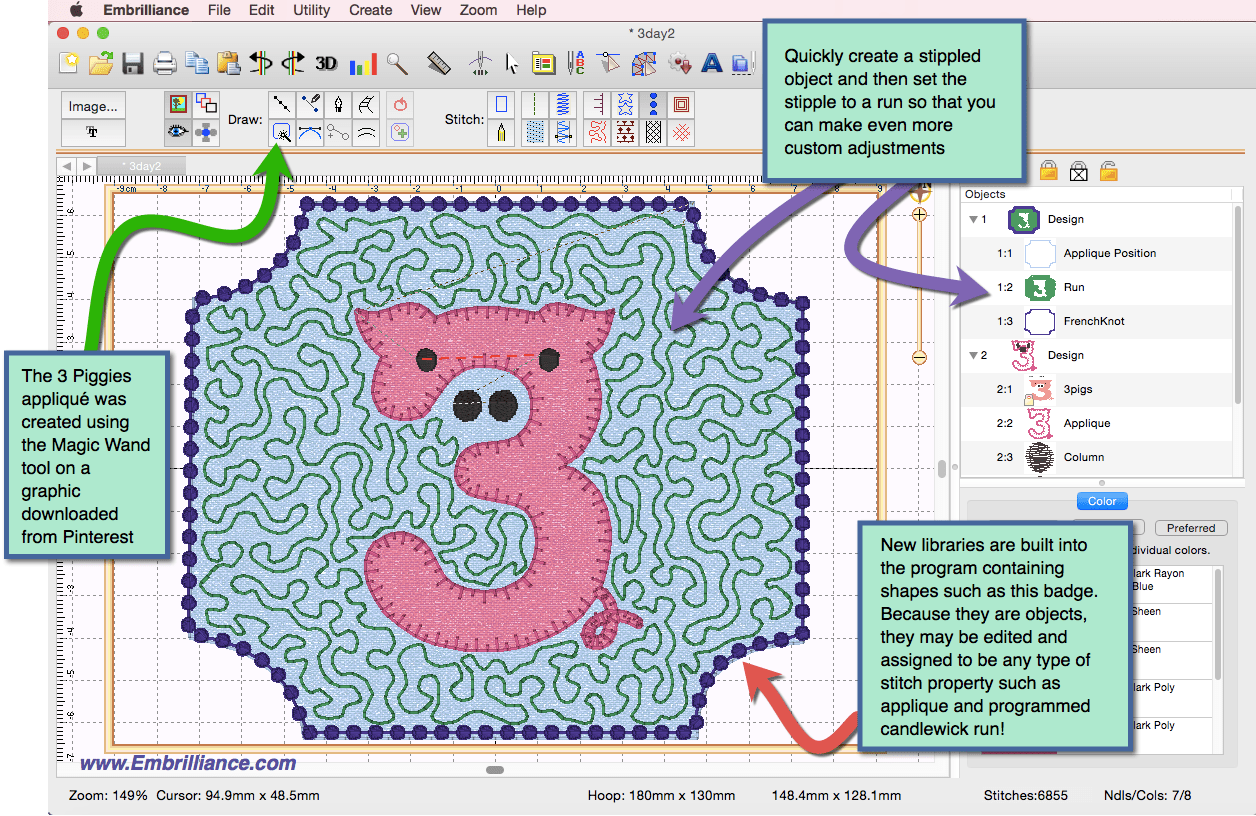
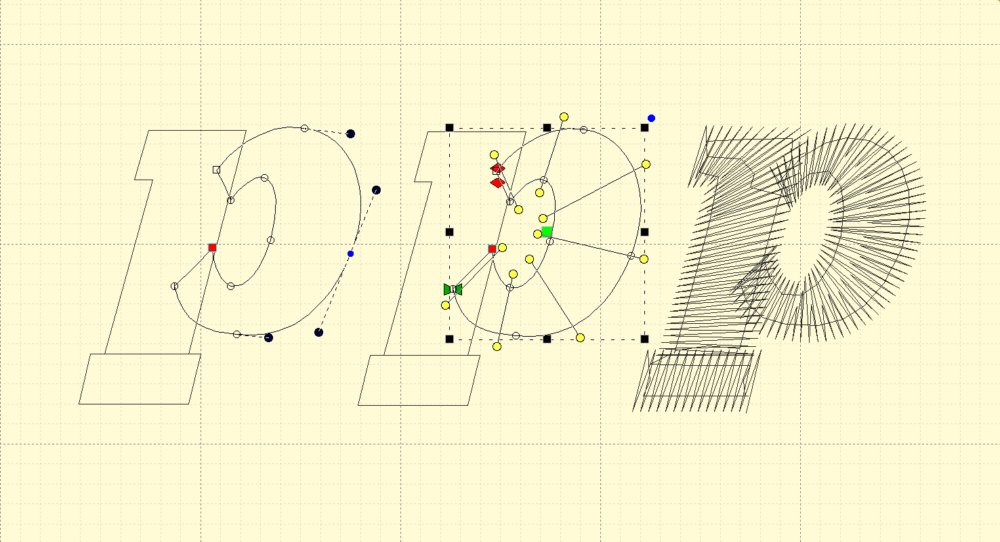
Draw shapes, import vector files, or trace over a photo. You set the stitch types, angles, and properties. StitchArtist generates stitches automatically and lets you change them at any time. A single interface handles drawing, editing, sizing, rotating, and property settings with no mode switches.
Key Features
- All Level 1 and Level 2 features in one program
- Bezier and spline drawing tools for all skill levels
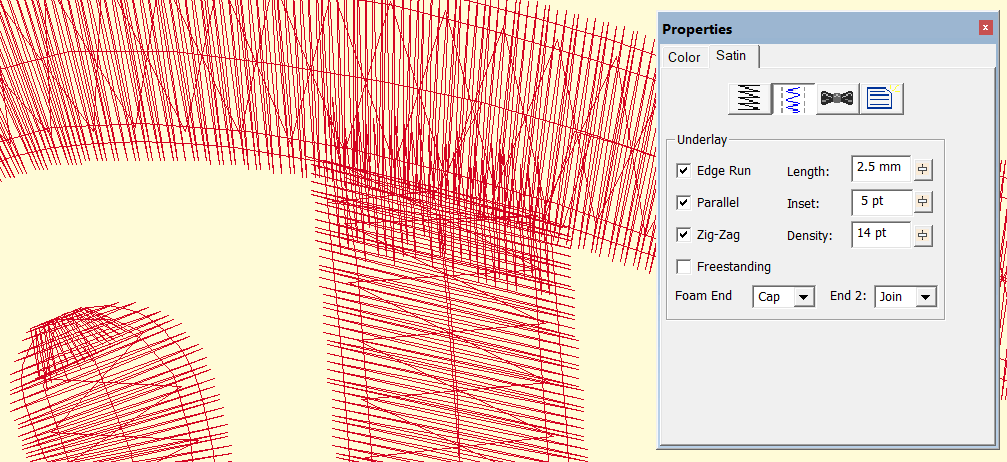
- Full satin stitch control with sided column and left-right input
- Windows and Mac included with one purchase; no dongles or activation limits
- Embrilliance Platform compatible — works alongside Essentials, Enthusiast, and other titles
A Level 1-to-Level 2 upgrade package is available if you already own Level 1. Level 3 is also available as a full version or upgrade for additional drawing tools, all-format stitch saving, and custom font creation.
This software ships on disc. No CD drive? Contact us and we'll send you a direct download link. Activate using the serial number included in your CD case.
Frequently Asked Questions
What is the difference between StitchArtist Level 1, Level 2, and Level 3?
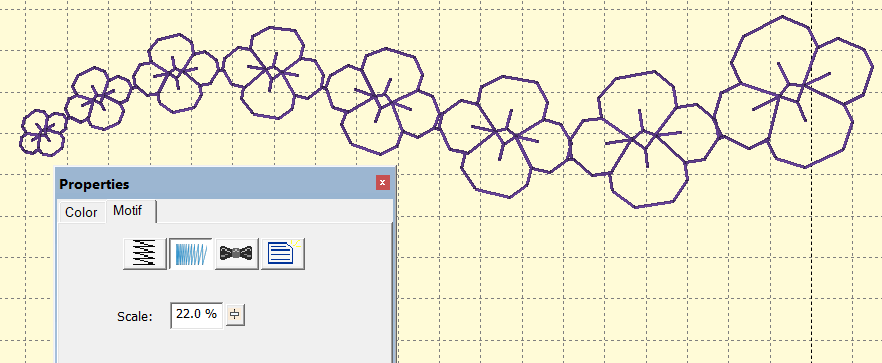
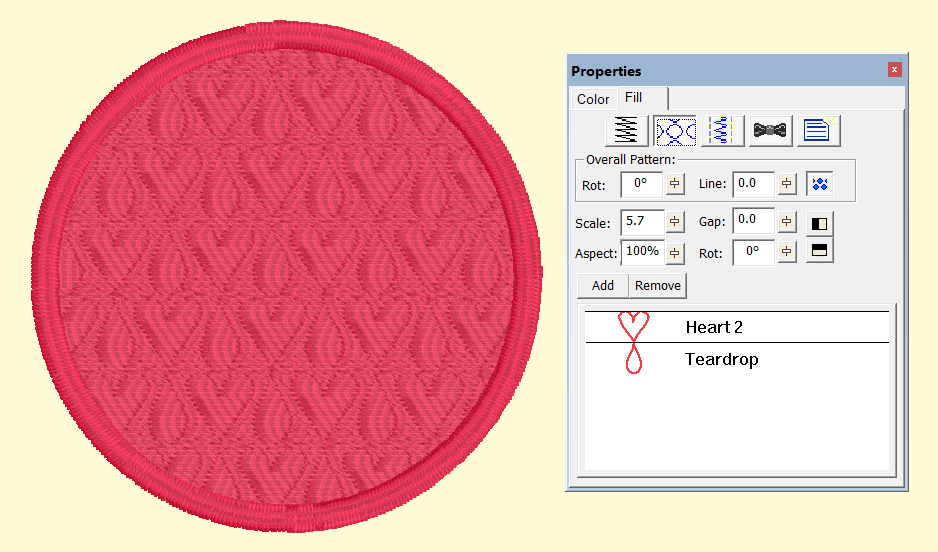
All three levels build on each other and each includes everything from the level below. Level 1 covers basic digitizing with automated shape tools and standard stitch types like run, fill, satin, and appliqué. Level 2 adds satin stitch control, SVG vector art importing, cutting file format support, 3D foam underlay, and additional stitch types including candlewicking and contour stitches. Level 3 adds professional tools: graphical operators, patch-making, custom font publishing with rights management, branching, and advanced lettering with baselines. Browse all options in our embroidery software collection.
Does Embrilliance StitchArtist Level 2 work with my embroidery machine?
Embrilliance StitchArtist is not tied to any single machine brand. It exports to common embroidery file formats that most home and commercial machines read. Once a design is finished, transfer it to your machine via USB or your machine's standard connection method. If you are also shopping for a machine, see our embroidery machine lineup.
Do I need prior digitizing experience to use StitchArtist Level 2?
Some familiarity with embroidery is helpful, but not required. Level 2 is aimed at sewists ready to move from editing into creating original designs. It includes both Bezier and spline drawing tools, which suit different working styles. Those who are brand new to digitizing may find Level 1 a better starting point before stepping up.
Is StitchArtist a one-time purchase or a subscription?
It is a one-time purchase with no recurring fees. The software ships on disc with a serial number and has no dongles or activation limits, so it can be installed on multiple computers under one license. A direct download link is available on request for computers without a disc drive.
Can I upgrade from StitchArtist Level 2 to Level 3 later?
Yes. Embrilliance offers upgrade pricing for customers moving from one level to the next, so you do not pay full price for Level 3 if you already own Level 2. If you are unsure whether Level 2 or Level 3 fits your current needs, contact our team before purchasing and we can help you compare.