

-
All Quality Sewing Offerings
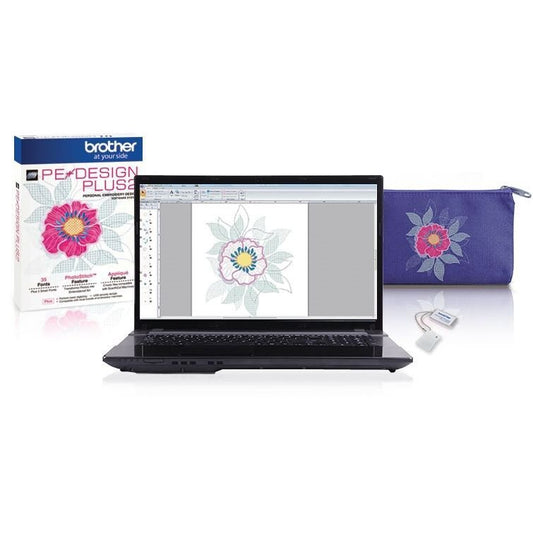
Brother PE-Design 11 Embroidery Design & Digitizing Software
Regular price $1,957.99Sale price $1,957.99 Regular priceUnit price per$2,204.9911% offSale -
-
-
All Quality Sewing Offerings
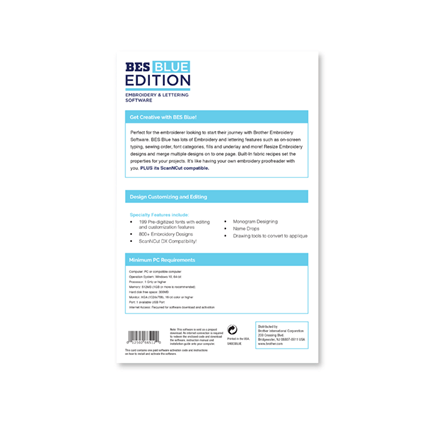
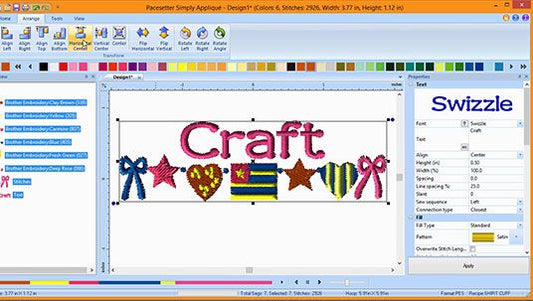
Brother BES Blue Embroidery & Lettering Software
Regular price $439.99Sale price $439.99 Regular priceUnit price per$0.00Liquid error (snippets/price line 86): Computation results in '-Infinity'% off -
All Quality Sewing Offerings
Brother BE1 Embroidery Studio Embroidery Software
Regular price $3,519.99Sale price $3,519.99 Regular priceUnit price per$3,959.9911% offSale -
Sale
-
Sale
-






FAQs
What is Brother PE-Design software?
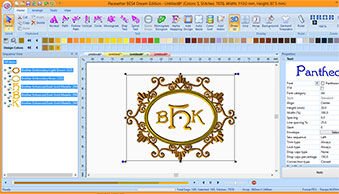
PE-Design is Brother's embroidery digitizing software. It converts images, photos, and text into embroidery stitch files that Brother embroidery machines can sew. Features include auto-digitizing from images, manual stitch editing, built-in fonts and lettering, and design layout tools. PE-Design files export in .PES format, the standard for Brother and Baby Lock embroidery machines.
Is PE-Design compatible with non-Brother embroidery machines?
PE-Design saves files in .PES format, native to Brother and Baby Lock machines. Many other brands can also read .PES files, including some Bernina and Viking models. PE-Design also exports to .DST and .EXP for broader compatibility. Check your machine's supported file formats before purchasing. For software that works across all brands, see our full embroidery software collection.
Do I need software to use my Brother embroidery machine?
Not necessarily. Brother embroidery machines come with built-in designs and can also read designs from USB drives purchased online or on disc. Software like PE-Design is only needed if you want to create your own designs from scratch, convert images into stitch files, or edit existing designs (resize, recolor, combine, add lettering). If you only sew pre-made designs, the built-in library and downloadable files are enough.
What is the difference between PE-Design versions?
Brother releases updated PE-Design versions with new features over time. Higher versions add tools like improved auto-digitizing, more built-in fonts, better photo-to-stitch conversion, and expanded file format support. If you own an older version, Brother offers upgrade packages that unlock the new features at a lower cost than buying the full software again. Check the product listings for which version upgrades are currently available.
Can I transfer designs from my computer to my Brother machine wirelessly?
Some newer Brother embroidery machines support wireless design transfer via Wi-Fi or the Brother My Design Snap app. Older models use a USB cable or USB drive to load designs. Check your machine's specifications to see if it supports wireless connectivity. Designs created or edited in PE-Design can be saved to a USB drive and loaded into any Brother machine with a USB port.