


Brother
Brother Stellaire Innov-is XJ2 Sewing, Quilting, & Embroidery Machine
Brother Stellaire Innov-is XJ2 Sewing, Quilting, & Embroidery Machine
SKU: XJ2
Couldn't load pickup availability
Advanced Sewing, Quilting & Embroidery
- 780+ built-in embroidery designs, 760 sewing stitches
- 9.5" x 14" embroidery area with 4 included hoops
- 10.1" HD touchscreen with built-in tutorials
- Wireless connectivity with Artspira app integration
- 101 downloadable Disney designs included
- Compact Digital Dual Feed Foot for difficult fabrics


Brother Stellaire Innov-ís XJ2: Sewing, Quilting & Embroidery in One Machine
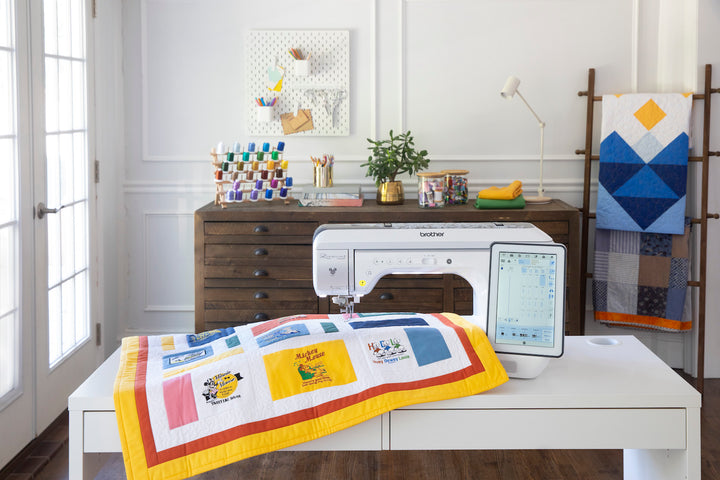
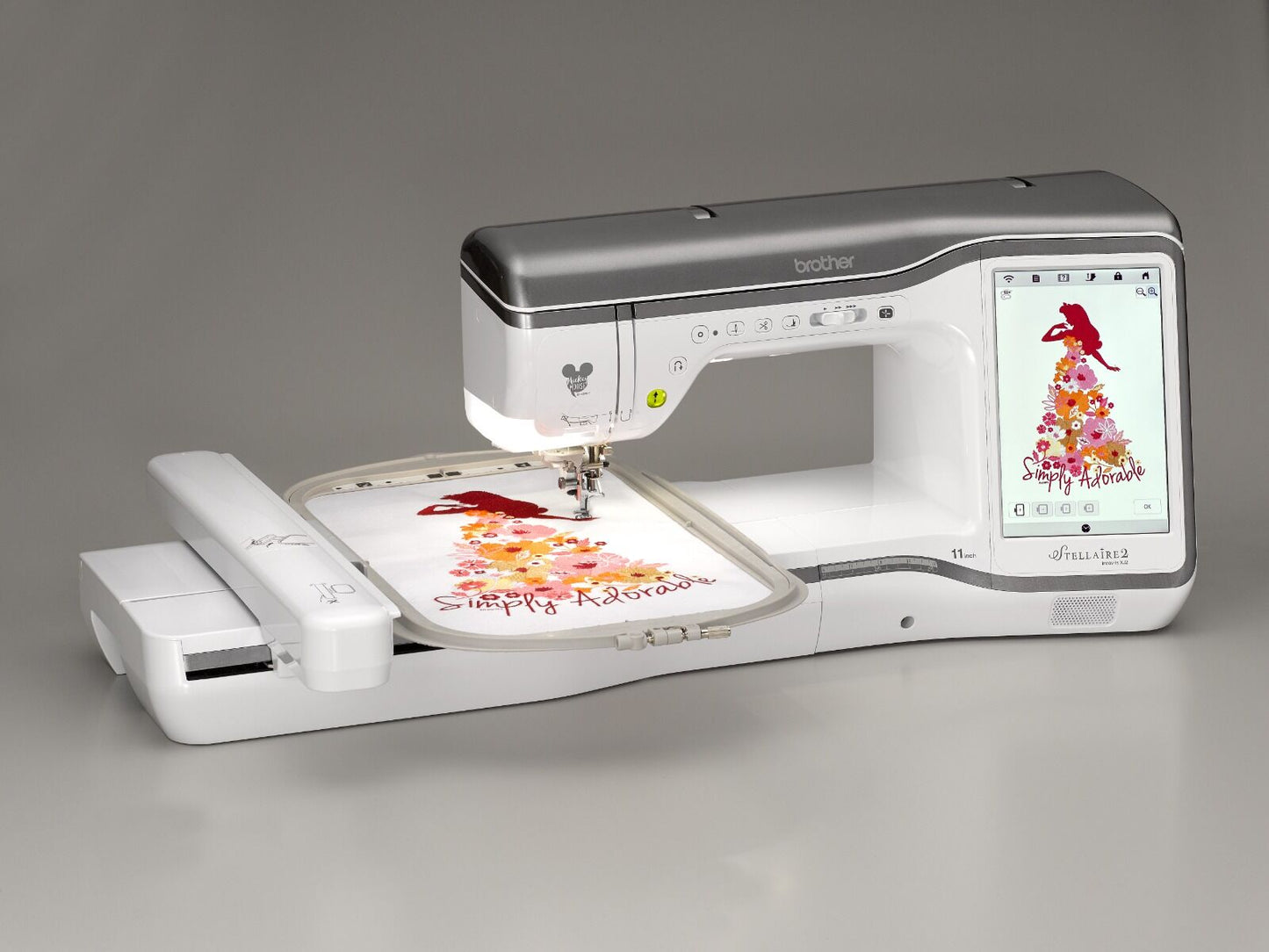
The Brother Stellaire Innov-ís XJ2 combines sewing, quilting, and embroidery with 780+ built-in embroidery designs and 760 sewing stitches. The 9.5" x 14" embroidery area, wireless connectivity, and 10.1" HD touchscreen support projects from garment construction to large-format embroidery.

780+ Embroidery Designs and 760 Stitches
Access over 780 built-in embroidery designs and 760 sewing stitches directly from the machine. The selection includes utility stitches, decorative patterns, quilting designs, and lettering fonts. Artspira app integration expands your design library with additional downloadable content.

101 Downloadable Disney Designs
Includes 101 downloadable Disney designs featuring Mickey Mouse, Minnie Mouse, Goofy, and Pluto, plus characters from Frozen, Finding Nemo, and Cars. Brother owners can access additional Disney and Disney/Pixar embroidery designs through the iBroidery.com Download Center.

10.1" HD Touchscreen Display
The 10.1" high-definition LCD display provides clear navigation through menus, stitch selection, and design editing. Preview designs before stitching, adjust colors and placement, and access built-in tutorial videos for techniques and machine operation.

9.5" x 14" Embroidery Area
The 9.5" x 14" embroidery field handles large designs in a single hooping. The machine provides 56 square inches of workspace and 11.25" from needle to arm for maneuvering quilts and bulky projects.

Four Embroidery Hoops Included
Ships with four hoop sizes: 9.5" x 14", 9.5" x 9.5", 5" x 7", and 4" x 4". The large frame allows combining smaller designs into a single hooping, reducing alignment issues when working with multi-part designs.

Artspira App Integration
The Artspira mobile app connects your phone or tablet to the XJ2 for browsing and sending embroidery designs. Create line-art embroidery drawings on your mobile device and transfer them wirelessly to the machine.

Wireless Design Database Transfer
The XJ2 connects wirelessly to your PC for design file transfers without USB drives. The free Design Database Transfer software manages your embroidery files and delivers software update notifications directly to the machine.

My Design Snap App
Convert line art, handwriting, or printed clip art into embroidery data using the My Design Snap mobile app. Photograph your artwork and the app generates stitch data you can send to the XJ2.

My Stitch Monitor App
The My Stitch Monitor app sends alerts to your phone or tablet when the machine needs a thread change or when your embroidery project completes. Monitor progress remotely while working on other tasks.

Couching Embroidery Foot
Create 3D yarn letters and numbers with the included Couching Embroidery Foot. Stitch upper and lowercase letters approximately 3" tall, with resizable characters for different applications.
My Design Center
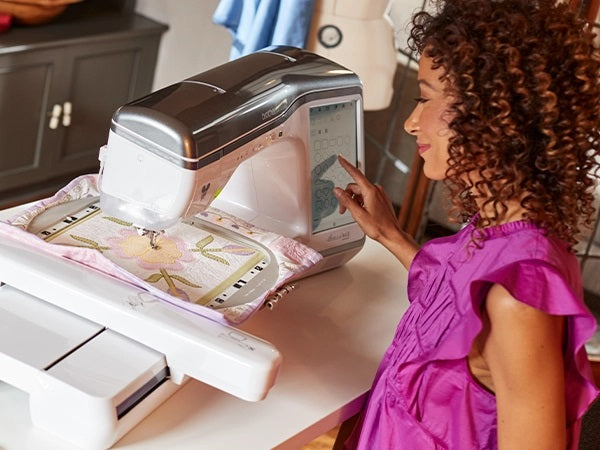
Build custom embroidery designs using My Design Center with 30 basic shapes, 30 closed shapes, 30 open shapes, and 17 line types. Combine elements to create original designs directly on the machine without external software.

Matrix Copy Feature
The Matrix Copy feature duplicates designs in rows and columns to create repeat patterns. Set spacing and alignment to fill your hoop with identical or rotated copies of a single design.

Easy Echo and Deco-Fill Stippling
Add decorative background textures with the Easy Echo and Deco-Fill stippling functions in the Embroidery Edit tab. Apply stippling patterns around designs to fill negative space.

Sashiko Stitches
Built-in Sashiko stitch patterns recreate traditional Japanese running stitch designs for quilting and decorative applications. These stitches produce geometric patterns commonly used in quilted projects.
Tapered Stitches
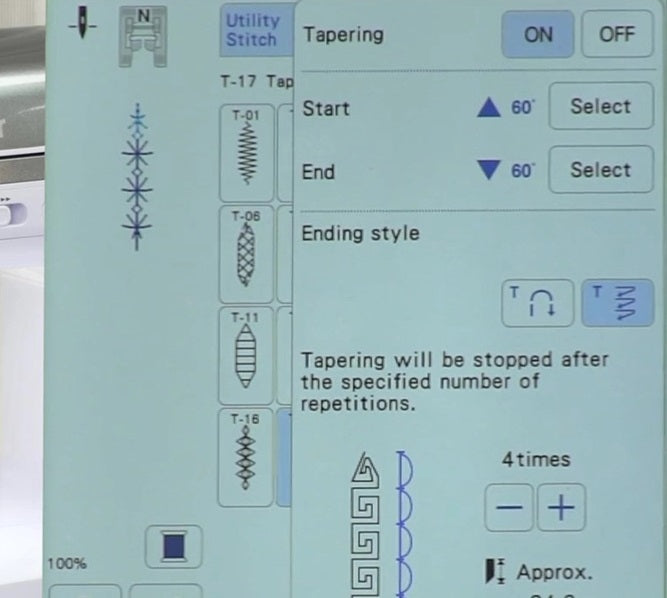
Tapered stitch patterns create pointed ends on decorative stitches for topstitching, applique edges, and embellishments. Set taper angles at the beginning and end of stitch sequences.

No Sew Sewing Feature
Preview and remove specific design elements before stitching with the No Sew Sewing function. Identify which portions of a design to skip, useful when you want to omit certain colors or sections.
Compact Digital Dual Feed Foot
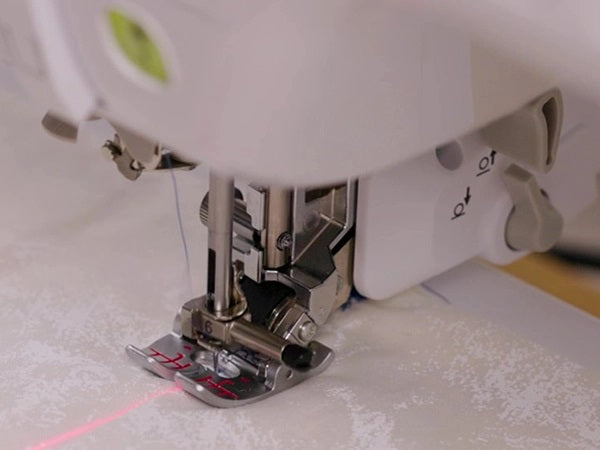
The Compact Digital Dual Feed Foot uses a belt-driven system with adjustable feed speed for difficult fabrics. Use it for multiple layers, minky, knits, and slippery materials that don't feed evenly with standard presser feet.

Multi-Function Foot Controller
The ergonomic Multi-Function Foot Controller features a redesigned heel-and-toe action with reduced spring tension. Toggle functions are accessible without removing your foot from the pedal.

Tool-Free Needle Plate Removal
Remove the needle plate for cleaning or to switch to a straight stitch plate without screws or tools. The quick-release system simplifies routine maintenance and plate changes.

Included Accessories
The Stellaire XJ2 ships with a full accessory kit including sewing and embroidery presser feet, four embroidery hoops, bobbins, needles, and supplies. Everything needed to begin sewing and embroidery projects is included.
Explore our complete Brother sewing machines collection or browse all sewing machines to find the right fit for your projects.
Specifications
| Key Specs |
|
| Embroidery Features |
|
| Threading & Bobbin |
|
| Workspace & Display |
|
| Smart Features |
|
| Included Feet |
|
| Included Hoops |
|
| Included Accessories |
|
| Warranty |
|
Special Financing Available
Apply in-store or online through Synchrony Bank.
Flexible payment plans make it easy to get the machine you want.
~$334/mo suggested payments with 36-month special financing*
or call (800) 687-5175
*Suggested monthly payments are estimates only. Actual terms subject to credit approval through Synchrony. See store for details.